Catalog
Platform staff publish versioned incident and CAPA frameworks with release notes and provenance.
Deploy an active, governed framework into Incident and Actions. Give the form its customer-facing name, then refine labels, required fields, conditions, attachments, and routing in Form Designer. We describe those tools here; we do not publish their designer screens.
Platform staff publish versioned incident and CAPA frameworks with release notes and provenance.
Select an active framework, choose Incident and Actions, and name the customer-owned copy.
Form Designer adjusts the live form. Multiple published forms can run beside the default CAPA form.
Capture records, connect actions, keep framework provenance, and print evidence from the register.
Intellilox helps organisations operationalise chosen frameworks. Installing a template does not create certification or guarantee compliance.
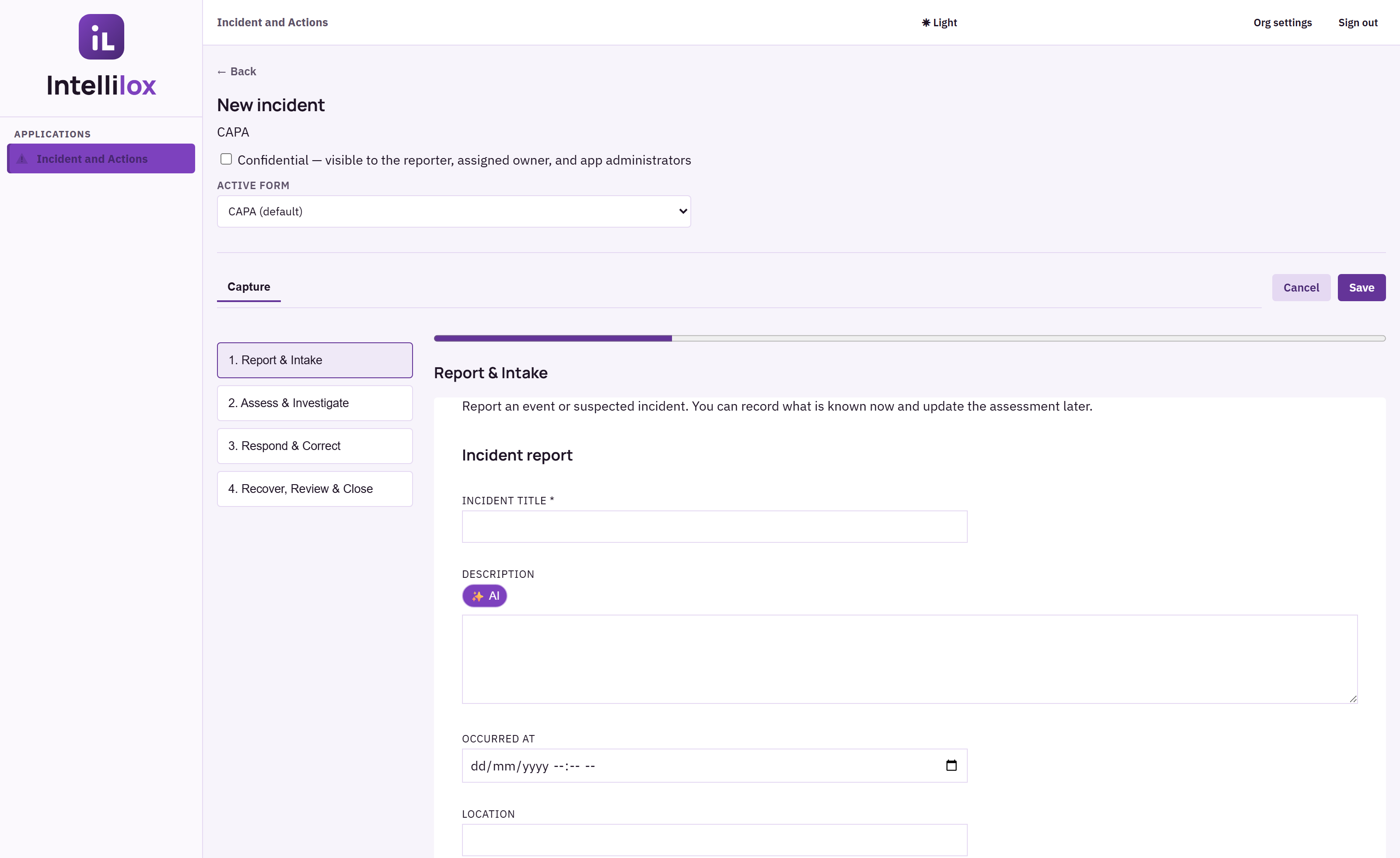
Into Incident and Actions. App administrators then refine the customer-owned copy in Form Designer.
Yes. The customer-facing form name is set at deploy time. The catalog name and version remain as provenance.
No. Updates are explicit. Existing forms and historical records remain intact.